
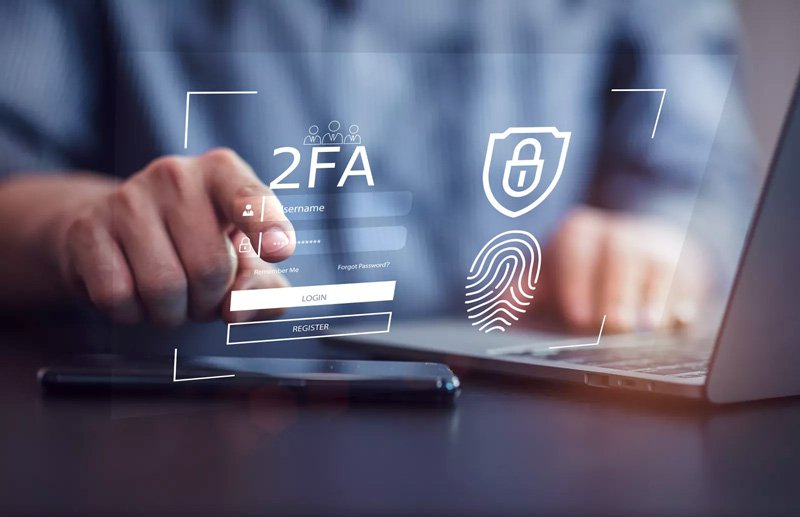
The easiest way to stop hackers — even if they know your password
Your password alone is no longer enough.
In 2026, data breaches, phishing attacks, and leaked credentials happen every day. If someone gets your password, they can log in as you — unless you have two-factor authentication (2FA) turned on.
And the best part?
It only takes a few minutes to set up.
✅What is 2FA?
Two-factor authentication adds a second step when you log in.
Instead of just:
Password
You need:
Password + something you have
That second factor is usually:
- A code sent to your phone
- A code from an app
- A fingerprint or Face ID
So even if someone steals your password, they still can’t get in.
✅Why passwords alone fail
Hackers don’t guess passwords anymore — they buy or steal them from leaked databases.
One breach on one website can expose:
- Your email
- Your password
- Every other account where you reused it
This is why we strongly recommend using a password manager.
👉 Why You Should Use a Password Manager
But even with strong passwords, 2FA adds a powerful final lock.
✅How 2FA protects you
With 2FA enabled:
- Stolen passwords become useless
- Phishing attacks fail
- Automated hacking tools stop working
Your phone becomes your digital key.
✅The 3 main types of 2FA
Here’s what you’ll see most often:
1. SMS codes
A text message with a one-time code.
Better than nothing, but less secure.
2. Authenticator apps
Apps like Google Authenticator, Authy, or Microsoft Authenticator generate codes that change every 30 seconds.
This is the best balance of security and convenience.
3. Biometrics
Face ID or fingerprint verification, usually used together with another factor.
✅How to turn it on (5-minute guide)
Go to your account’s Security or Privacy settings and look for:
- “Two-Factor Authentication”
- “Two-Step Verification”
- “Login protection”
Then:
- Install an authenticator app
- Scan the QR code
- Save your backup codes
- Done
From now on, your account is dramatically safer.
✅Where you should enable 2FA first
Start with:
- Banking
- Social media
- Cloud storage
- Password manager
These accounts control everything else.
Two-factor authentication is one of the most powerful security tools available — and it’s free.
You don’t need to be technical.
You don’t need special hardware.
You just need to turn it on.
In the Safivity world, safety should be simple — and 2FA is one of the simplest wins you can make.
For smart digital habits, see:
👉What Is a VPN and Why You Need One in 2025
👉How to Protect Your Personal Data Online (Without Losing Your Mind)
👉 5 Simple Digital Safety Habits That Make Your Online Life Effortless