
Because “remembering every password” is a battle you don’t need to fight
We’re all guilty of reusing passwords. It’s convenient — until it’s dangerous.
One leaked password on one site can give hackers access to dozens of your accounts.
The simple solution?
A password manager — an app that stores and autofills secure passwords so you never have to remember them.
Here’s how it works, why it matters, and which features to look for.
✅ What a password manager actually does
A password manager:
- Creates strong, unique passwords for every site
- Stores them securely in an encrypted “vault”
- Autofills login forms so you don’t have to type
- Syncs across your laptop, phone, and tablet
No more sticky notes, recycled passwords, or “forgot my password” emails.
✅ Why you should use one
Reusing your birthday across multiple accounts might feel harmless — until one site suffers a data breach.
A password manager protects you by:
- Eliminating weak or repeated passwords
- Making hacking attempts nearly impossible
- Helping you update old or leaked logins
- Encouraging safer behavior without effort
Strong passwords become automatic, not stressful.
✅ But… what if someone hacks the password manager?
Good question — and the #1 reason people hesitate.
Modern password managers use:
- Zero-knowledge encryption (they can’t see your data)
- Biometric login (FaceID/fingerprint)
- Encrypted syncing across devices
Even if someone breached the company, they can’t read what’s inside your vault.
✅ How to choose a good one
Look for features like:
- Autofill on all devices (desktop + mobile)
- Secure password generator
- Emergency access for trusted family
- Built-in breach alerts (tells you if a password is leaked)
- Two-factor authentication support
Free versions are great for beginners — paid versions add syncing and advanced security.
✅ Quick setup guide (takes 5 minutes)
- Install the app on your phone and browser
- Create one strong master password
- Import or save your logins as you go
- Turn on autofill — and you’re done
From that moment, you only need to remember one password, ever.
✅ Combine it with 2FA for even more protection
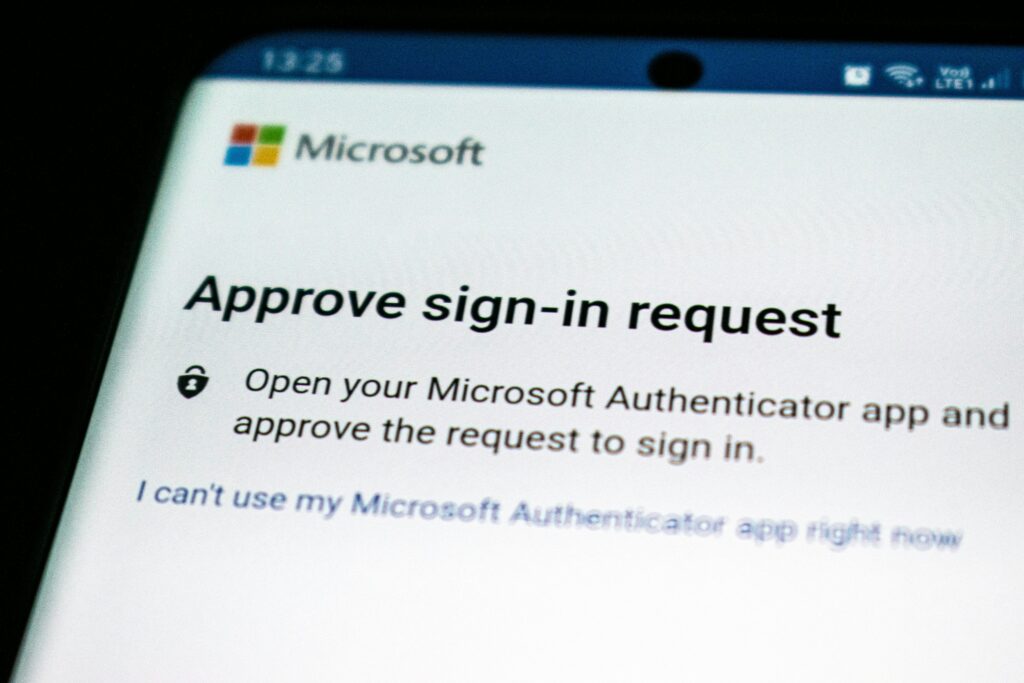
A password manager protects your logins.
Two-factor authentication (2FA) protects your identity.
Together, they make your accounts nearly unbreakable — even if someone steals your password.
For smart digital habits, see:
👉 5 Simple Digital Safety Habits That Make Your Online Life Effortless
Using a password manager isn’t a “tech expert” move — it’s a life upgrade.
It keeps you safer, saves time, and removes the headache of remembering dozens of passwords.
Security doesn’t have to be complicated.
Sometimes, the smartest choice is also the simplest.